
5 Video Face Swap Mistakes That Ruin Your Results (And How to Fix Them)
AI video face swap tools have become incredibly powerful — but even the best AI can't save a bad input. If your face swaps look fake, uncanny, or "just off," you're probably making one of these five mistakes.
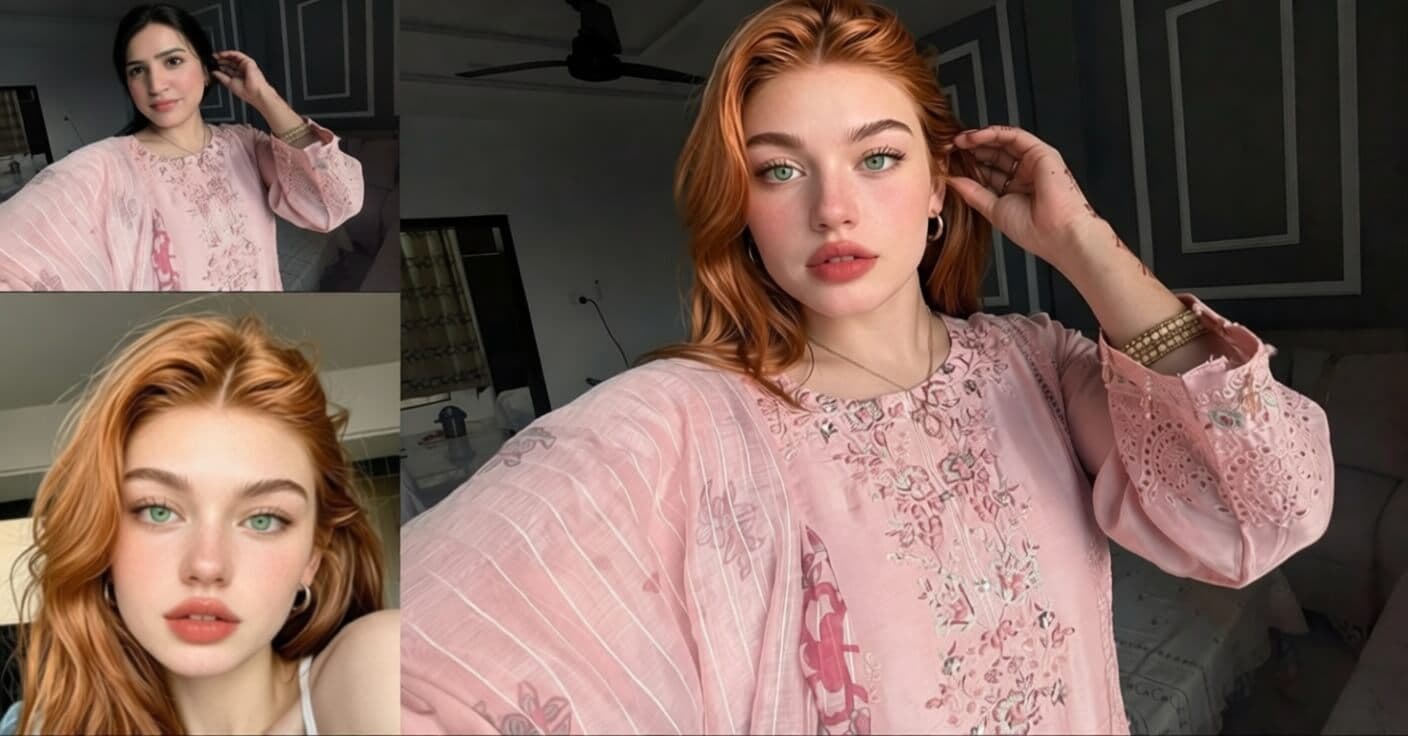
Why People Use Video Face Swap
Before we dive into the mistakes, here's why video face swapping has exploded in popularity. Content creators use it for comedic skits and reaction videos. Filmmakers replace stunt doubles or fix continuity issues. Marketers localize ad campaigns by swapping talent faces for different regions. And everyday users simply have fun putting their face into movie clips, music videos, or memes.
The technology is powerful — tools like VideoFaceSwap and VideoEnhancer make it as simple as uploading two files. But "simple to use" doesn't mean "impossible to mess up." Here are the five mistakes that will ruin your results every time.
Mistake #1: Swapping Across Different Skin Tones
This is the most common and most visible mistake. When you swap a face with a noticeably different skin tone onto a body, the AI struggles to blend the boundary between the new face and the original neck, ears, and hairline. The result is an obvious color mismatch — the face looks "pasted on" rather than naturally belonging.
What goes wrong:
The AI adjusts facial features but can't fully compensate for large differences in skin undertone, melanin distribution, and how skin reflects light. You get a visible seam around the jawline and forehead.
How to fix it:
Always swap between faces of the same ethnicity or very similar skin tones. The closer the match, the more seamless the blend. If you must swap across skin tones, choose photos with neutral, even lighting to give the AI the best chance.

Mistake #2: Ignoring Lighting and Environment Differences
Lighting is everything in face swap quality. If your face photo was taken in bright daylight but the source video is a dimly lit indoor scene, the AI can't magically reconcile the difference. The swapped face will appear unnaturally bright, flat, or lacking the shadows that the scene demands.
What goes wrong:
Shadows fall in the wrong direction, highlights appear where there should be none, and the face "glows" against a dark background. Even with AI lighting correction, extreme mismatches create an uncanny valley effect.
How to fix it:
Match the brightness and light direction between your face photo and source video. Use a face photo with similar ambient lighting — indoor for indoor, outdoor for outdoor. Avoid flash photography for face photos; natural, diffused light works best.
Mistake #3: Makeup and Style Mismatch
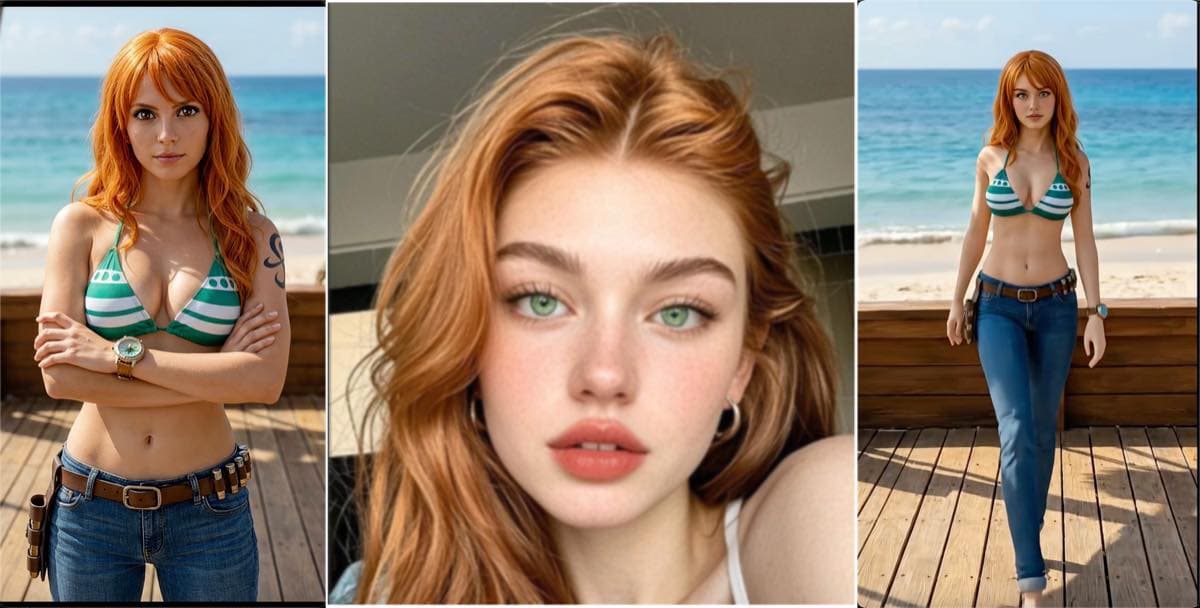
Here's one that catches people off guard: if the face in your photo has heavy makeup (bold lipstick, dramatic eye shadow, contouring) but the person in the source video is bare-faced, the contrast is immediately obvious. The viewer instantly notices the face "doesn't belong" because the styling clashes with the rest of the scene.
What goes wrong:
The AI swaps the face including its makeup. If the original person in the video is casual and bare-faced, a heavily made-up swapped face screams "edited." The before/after contrast makes the swap instantly detectable.
How to fix it:
Match the makeup level between the face photo and the video. If the person in the video wears minimal makeup, use a face photo with a similar natural look. Save the glamour shots for swapping into music videos or fashion content where heavy makeup fits the context.
Mistake #4: Extreme Head Motion and Fast Movement
AI face swap works by tracking facial landmarks frame-by-frame. When the person in the video whips their head around, shakes rapidly, or moves at high speed, the tracking can't keep up. The result is flickering, jittering, or the face momentarily "sliding off" the head.
What goes wrong:
Each frame has a slightly different face position. With extreme motion, the AI misaligns the replacement face by a few pixels. Over multiple frames, this creates visible jitter and temporal inconsistency — the face appears to "swim" on the head.
How to fix it:
Choose source videos where the person moves at a moderate pace. Talking-head videos, interviews, and dialogue scenes work best. Avoid action sequences, dancing with rapid head turns, or sports footage. If you need an action scene, trim to the calmer segments first.
Mistake #5: Cross-Gender Face Swapping
Swapping a male face onto a female body (or vice versa) almost never produces natural results. Men and women have fundamentally different facial bone structures — jawline width, brow ridge prominence, cheekbone height, and neck thickness all differ. The AI can swap the face, but it can't reshape the skull underneath.
What goes wrong:
The result falls into an uncanny middle ground — not quite male, not quite female. The swapped face carries masculine features (strong jaw, thick brows) on a feminine body, creating a jarring disconnect that viewers instantly sense as "wrong."
How to fix it:
Always swap within the same gender. Male face onto male body, female face onto female body. This gives the AI the best geometric and structural match, producing the most believable results.
Quick Reference: Do's and Don'ts
Do
- Swap between same skin tone / ethnicity
- Match lighting and environment
- Match makeup level and style
- Use videos with moderate head motion
- Swap within the same gender
Don't
- Swap across very different skin tones
- Use a bright face photo on a dark video
- Use glam makeup face on a casual video
- Pick action scenes with rapid head turns
- Swap male face onto female body or vice versa
Ready to Try It Right?
Now that you know the pitfalls, try a face swap with the right approach. Get free credits on signup — no credit card required.
Related Guide
How to Get the Best AI Video Face Swap Results: 7 Pro Tips
The complete guide to getting professional-quality face swaps every time.